- Role
- UX/UI design, Prototyping, QA & Testing
- Team
- Intel Design and Engineering
- Company
- Intel
Designing a user-centric vision for Tizen mobile OS.
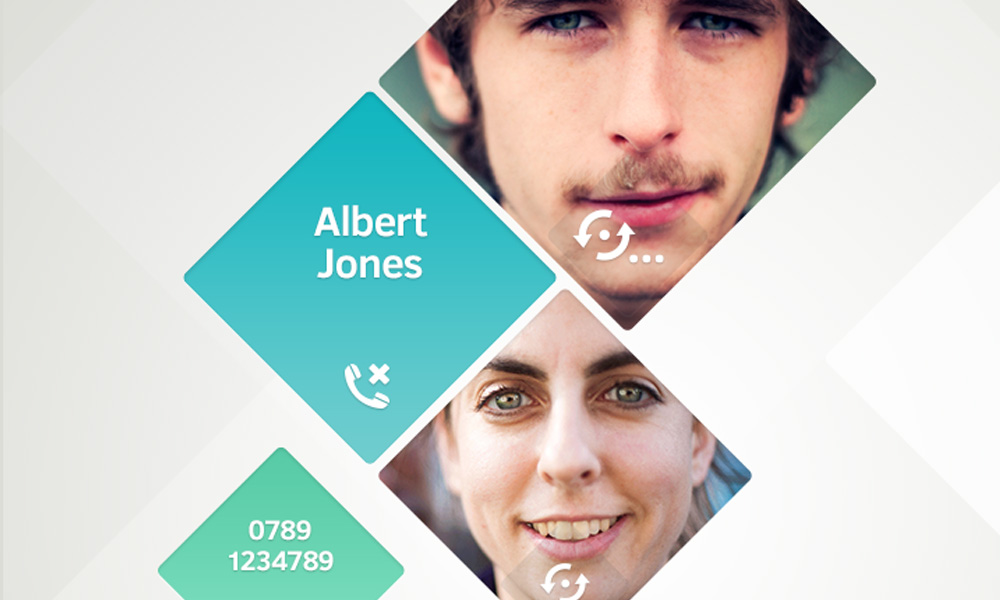
A mobile OS that surfaces personal contacts and removes barriers between apps.
Tizen OS
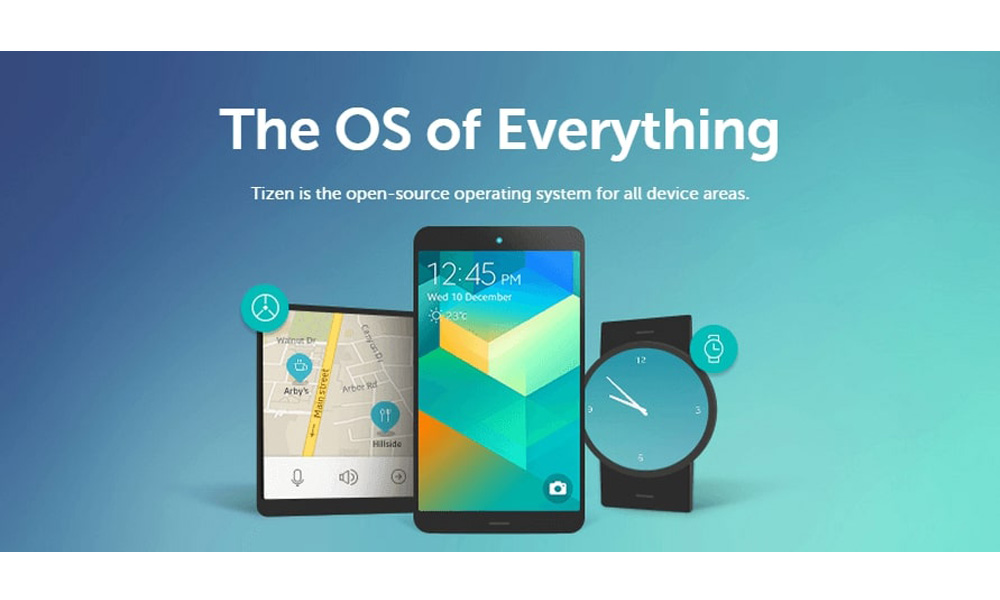
Tizen is an open-source operating system built to address the needs of stakeholders of the mobile and connected device ecosystem. The current Tizen profiles are Tizen IVI (in-vehicle infotainment), Mobile, TV, and Wearable.
The brief
The brief was to design an outstanding UX for Tizen OS. We were encouraged to explore new directions to create a strong differentiator to engage users and developers.
We supported the global release of the OS by creating UX Design guidelines along with the production of a high-fidelity functional prototype.
This project required us to create a coherent UX for mobile. Working closely with the engineering team, we delivered a distinctive UX for Tizen OS.
The mission
Areas we worked on:
- Home screen (pictured above)
- App Multitasking
- Notifications
- Screen Layout
- Navigation Design
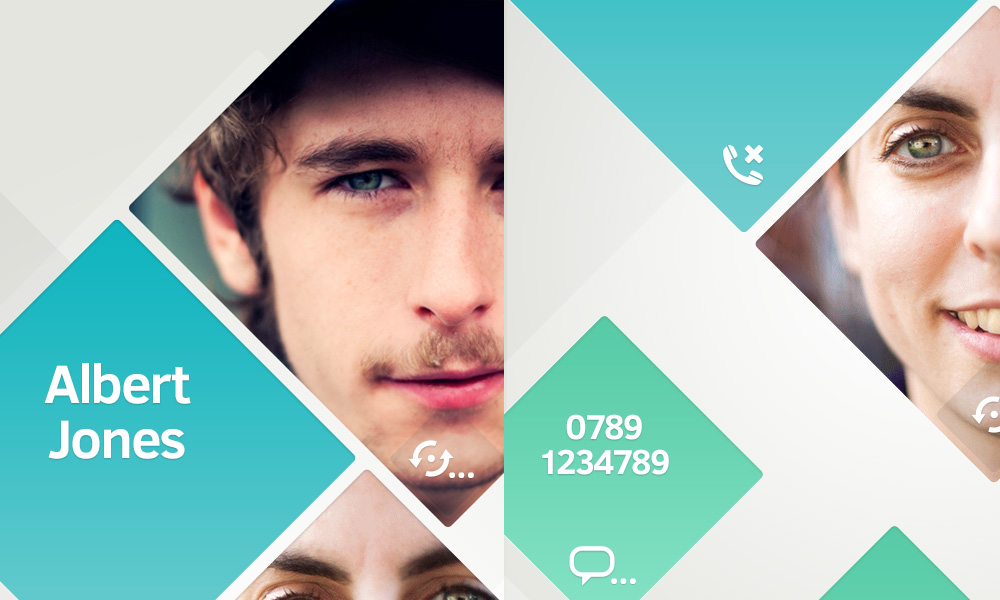
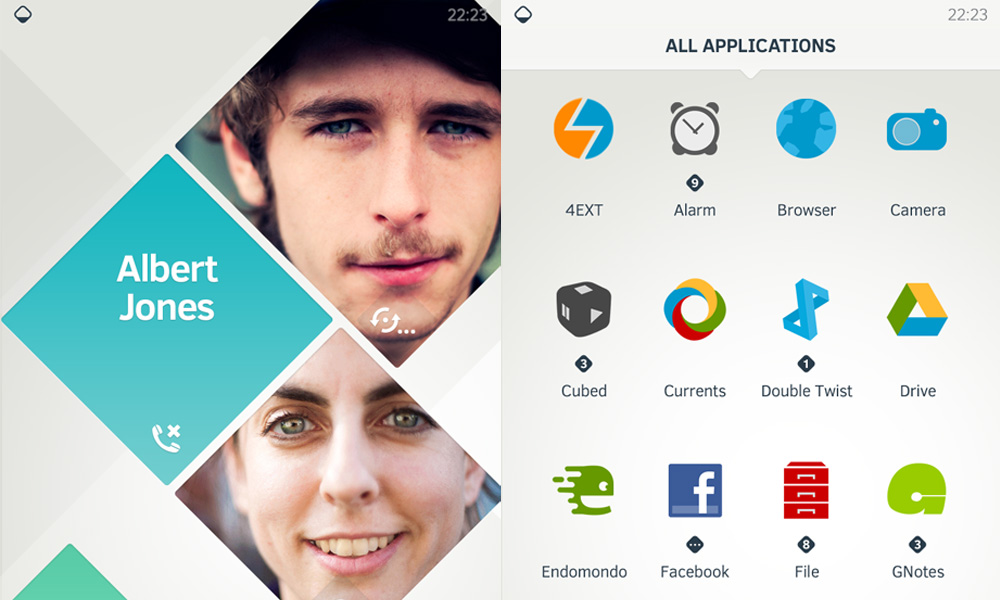
- Contact Screen
- App Grid
- Settings
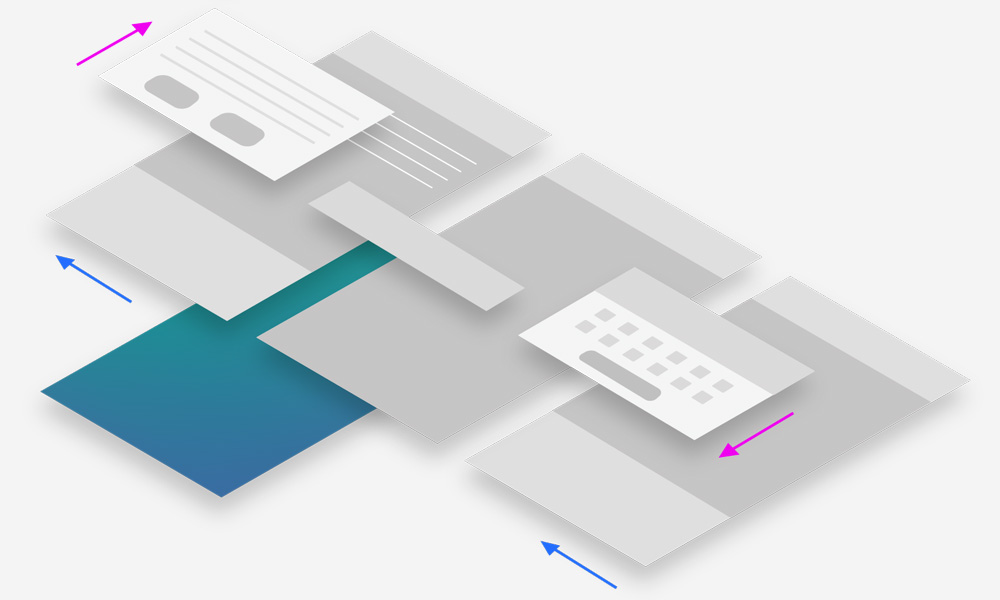
Key UX Differentiators
- A people-centric OS
- ‘Home’ panels surfacing what really matters to users
- Present a visually engaging interface with clean, uncluttered views
- Using animation to transmit the unique feel of the UX
Key Design Principles
- Only display essential information as default
- Minimize user effort
- Tailor the UX to individuals
- Support individual user behaviours
- Enhance usability
Key UX Guidelines
- Display important information at the top for users to avoid scrolling
- Keep the design as simple as possible to avoid distraction
- Use a consistent layout throughout the app
- Use clear visual effects to provide feedback for user inputs
- Use the UI elements consistently throughout the app
Development
I was responsible for Quality Assurance and Design implementation of the Tizen prototype.
During a period of 3 months, I worked closely with a team of 4 developers to release new iterations of the prototype on a weekly basis. I systematically tested and analysed the performance of the app and produced detailed QA documentation to help prioritise the fixing of bugs and performance issues.